Chart of Accounts
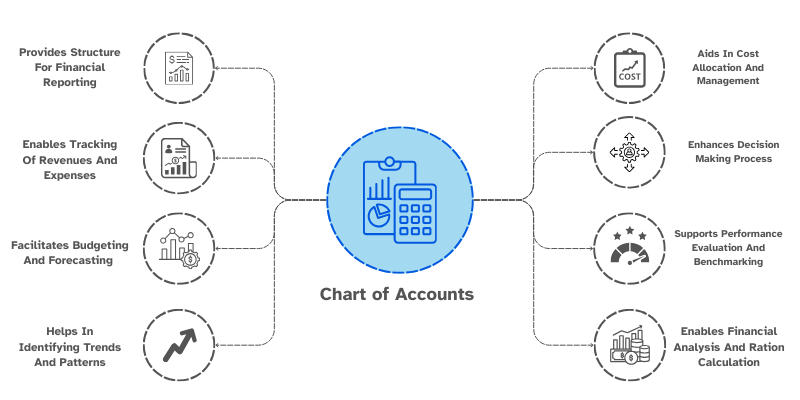
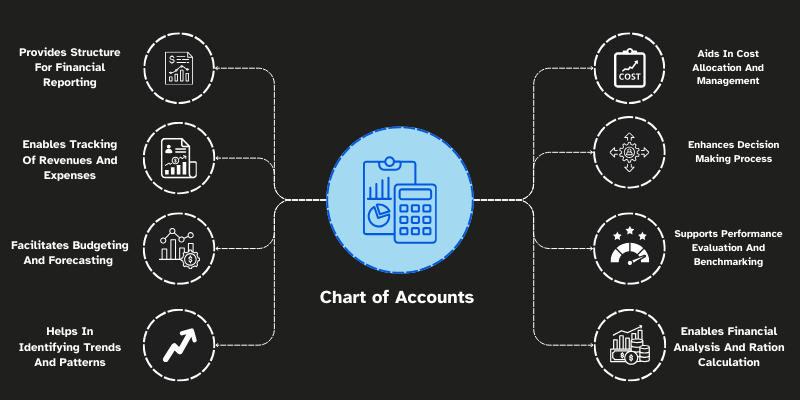
Chart of Accounts is a list of all the accounts used by an organization to record financial transactions. It provides a framework for organizing financial data and ensures that transactions are recorded in a structured way.
To access the Chart of Accounts, go to: > Home > Application > Finance > Setup > Chart of Accounts
How can I get Benefit ?
- Organization : It organizes financial data into categories (assets, liabilities, income, etc.), making it easier to track transactions.
- Budgeting & Analysis : Provides a clear overview of income and expenses, helping you create budgets and analyse financial performance.
Properties
Primary Properties
| Property | Description |
|---|---|
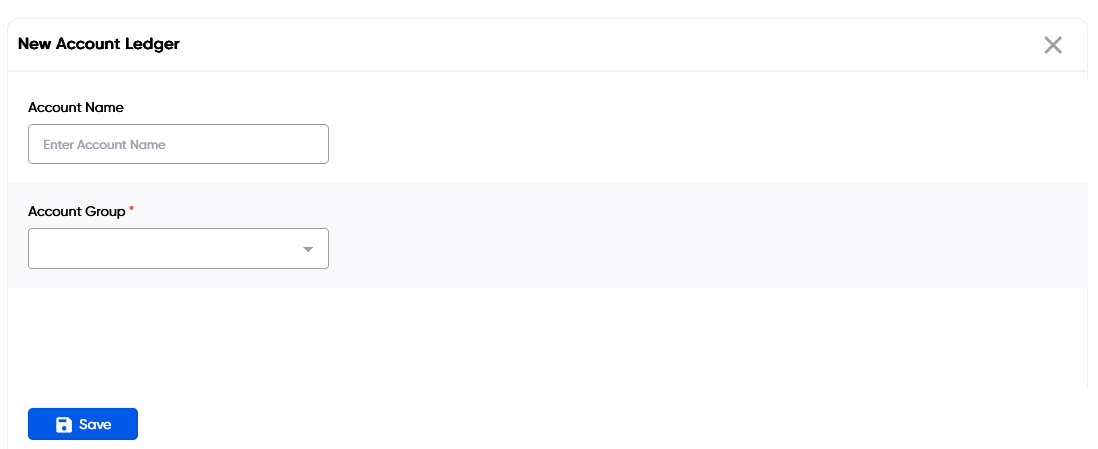
| Account Name | Enter the Account Name in this field |
| Account Group | Select the Account Group from the dropdown |
Create New Chart of Account
- Go to the Chart of Accounts list, click on
Add New - Enter Account Name & Select Account Group Name
- Click on
Save
info
Vendor's Chart of Accounts will be added automatically.

Edit a Group
- Go to the Chart of accounts list
- Locate the Chart of Account, Click on the Pencil icon to open whose details you want to Edit
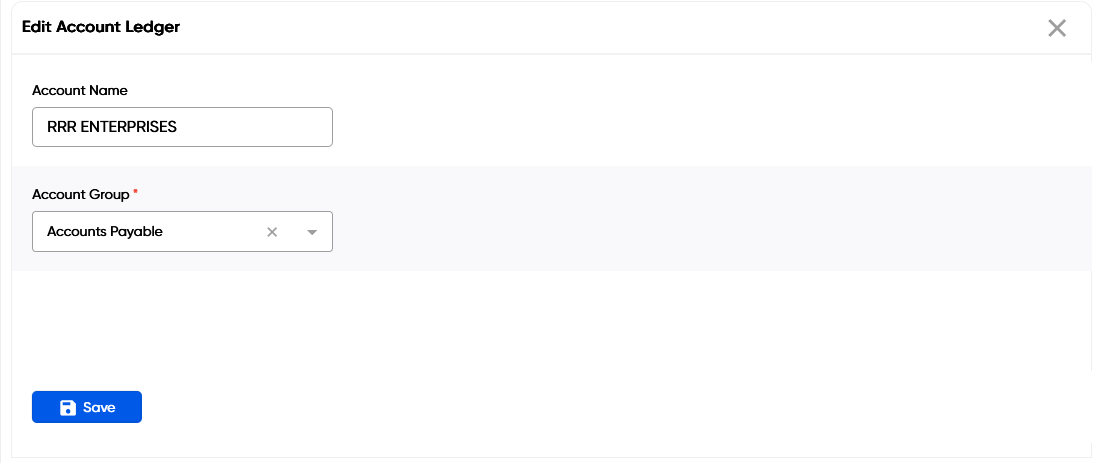

- Make the necessary changes
- Click on
Save
Delete a Chart of Accounts
- Go to the Chart of Accounts list
- Locate the Chart of Account, Click on the Trans icon to open whose details you want to Delete
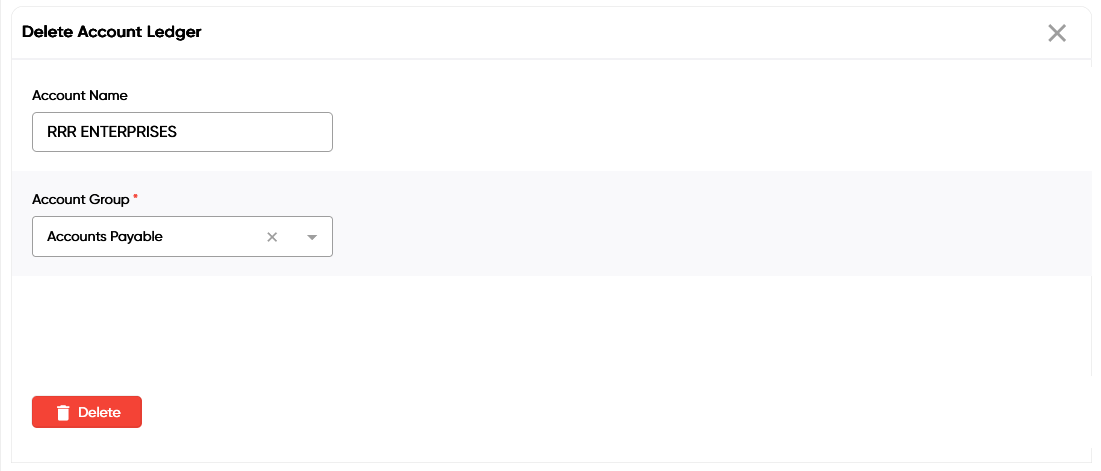

- Click on
Delete
danger
A Chart of Account that has been associated with financial data and transaction cannot be deleted. Still You want to remove the Chart of Account, delete all financial data and transaction which are associated with that Chart of Account.