Receipt
A Receipt is a digital record of money received by a business, typically linked to a customer payment or other income. It updates the relevant accounts (e.g., cash or bank) and helps track and reconcile financial transactions.
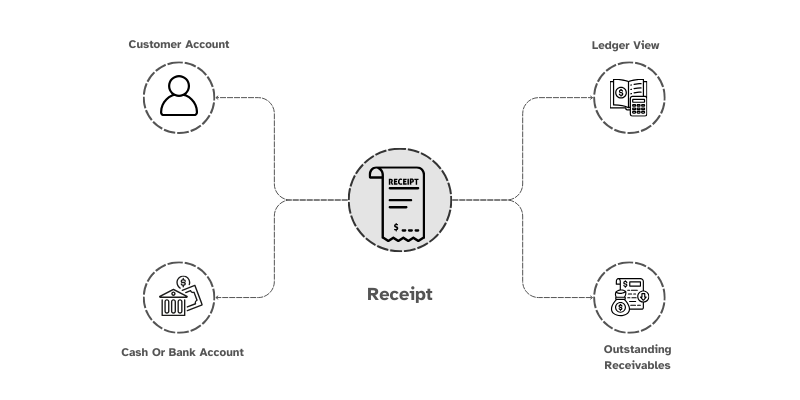
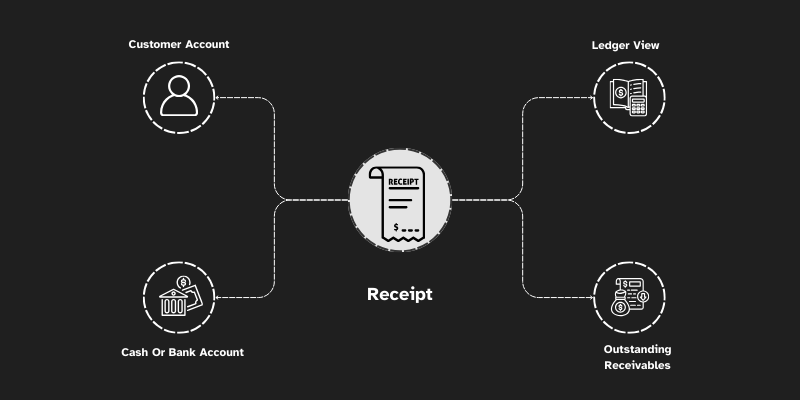
To access the Receipt, go to: > Home > Application > Finance > Operations > Receipt
How can I get Benefit ?
ValueBot offers a useful feature for account ledger through Receipt
Using receipts in accounting can provide several benefits, helping you maintain accurate records, streamline processes, and improve financial management. Here’s how you can benefit from using receipts in your accounts:
1. Accurate Record-Keeping
- Track Transactions : Receipts serve as proof of transactions, ensuring all income and expenses are recorded accurately.
- Avoid Errors: By referencing receipts, you can reduce mistakes in data entry and ensure your ledger reflects the correct amounts.
2. Simplified Reconciliation
- Match Transactions : Receipts help you match transactions in your bank statements with your ledger entries, making reconciliation faster and easier.
3. Improved Financial Reporting
- Cash Flow Analysis: By categorizing receipts, you can better understand cash flow trends and make informed decisions.
4. Automation with Tools like ValueBot
- Integration with Ledger: Automatically sync receipt data with your accounting ledger, minimizing manual entry and improving efficiency.
5. Fraud Prevention
- Verify Transactions: Receipts act as proof of purchase, helping you verify legitimate transactions and detect fraudulent activities.
- Accountability: They ensure accountability among employees or team members who handle expenses.
Properties
Primary Properties
| Property | Description |
|---|---|
| Voucher No | Voucher Entry Number will generate default |
| Date | Date refers the Transaction date |
| Reference No | Can Enter other references number related to Voucher |
| Receipt From | You Can Select Account ledger from list |
| Amount | Enter Amount you want to Receive |
| Receipt to | You Can Select Account ledger from list |
| Amount | Enter Amount you want to Receive |
| Narration | Can Enter information releated to Voucher |
Line wise Properties
| Property | Description |
|---|---|
| Type | If we select 'To-Credit,' the amount will be posted to the credited account. |
| Type | If we select 'To-Debit,' the amount will be posted to the debited account. |
| Ledger | You can select account ledger from list |
| Amount | Enter the amount you need to post to the ledger |
Create New Receipt
- Go to the
Receipt

- You can observe
Voucher Numberis generated by default. - Under the Receipt from you can pick the Account Ledger from the list you have already created.
- Enter the Amount which you have received.
- Under the Receipt to you can Select the Bank Account or Cash in Hand from the list you have already created.
- Enter the amount to post to Bank Account or Cash on Hand.
- By Clicking
Add NewYou can you use Line wise Entries to post amount to other ledgers. (Ex. TDS Deduction Entries)
- Enter any additional information in the Narration field for your reference.
- Click
Save
Edit a Receipt
- Go to the Ledger Summary
- Select Account Ledger and Choose the transaction. By double-clicking, you can open the transaction.
- Make necessary changes
- Click
Save
Delete a Receipt
- Go to the Ledger Summary
- Select Account Ledger and Choose the transaction. By double-clicking, you can open the transaction.
- Click
Delete
Deleting a receipt from the ledger will cause a variation in the closing balance.