Attribute
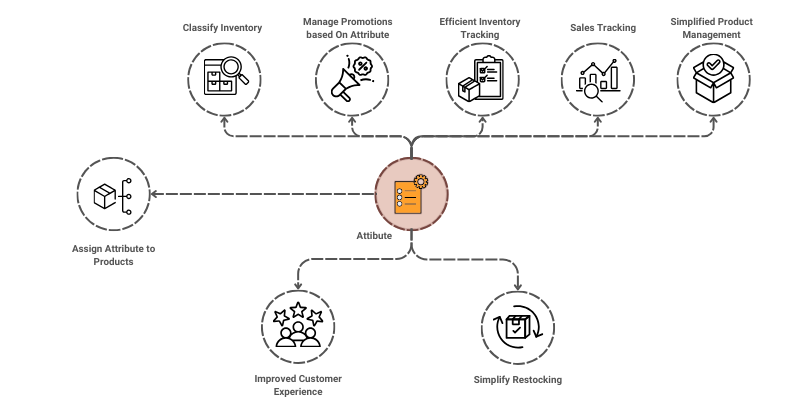
Attributes are additional data points that provide detailed characteristic information, such as size, color, material, category, or product specifications. The Attribute Master helps businesses maintain consistency and standardization of these details, which enhances data accuracy, classification, filtering, and reporting.
To access the Attribute, go to: > Home > Application > Settings > Attribute
How can I get Benefit ?
- Facilitate Filtering and Search : Enables efficient filtering, searching, and categorization of products or entities based on defined attributes.
- Improve Reporting and Analytics: Provides the ability to generate attribute-specific reports, enabling analysis of sales, inventory, and other data based on characteristics.
Properties
| Property | Description |
|---|---|
| Attribute Name | Here, you can enter the name of the Attribute |
| Status | You can set the status here |
Activate Attribute
- Go to the Attribute list
- you can find there are 10 attributes by default
- Locate an attribute which one you going to activate
- Clik on Pencil icon, attribute screen will be opend
- Change the status to
Active - Click on
Save