Attribute Value
Attribute Value, variations of a product based on attributes such as size, color, material, or model. This master data structure allows businesses to offer products with multiple variations without creating entirely new product records for each variant.
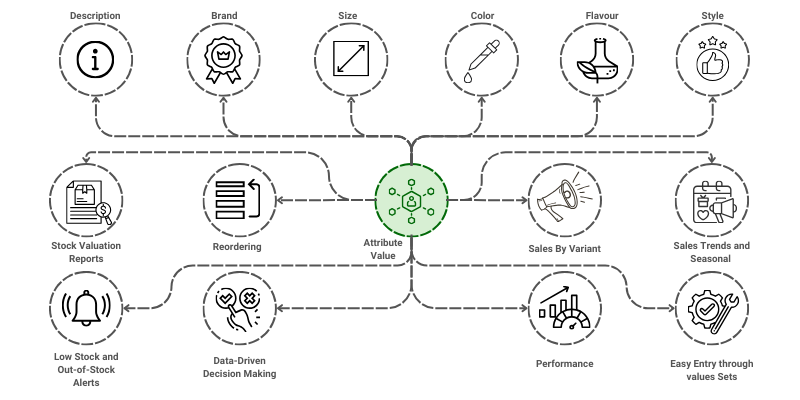
To access the Attribute Value, go to: > Home > Application > Settings > Attribute Value
How can I get Benefit ?
- Streamline Product Management : Organize and manage multiple variations of a product under a single product ID or group.
- Improve Inventory Control:Track stock levels separately for each variant, reducing complexity in inventory management.
Properties
| Property | Description |
|---|---|
| Attribute Value Name | Here, you can enter the name of the Attribute Value |
| Attribute | You can select the Attribute from list |
| Status | You can select between Active and inactive |
Create a Attribute Value
- Go to the Attribute Value list, click on
Add New - Enter Attribute Value Name
- Select the Attribute from list
- Click on
Save

Edit a Attribute Value
- Go to the Attribute Value list
- Locate the Attribute Value, Click on the Pencil icon to open whose details you want to Edit
- Make the necessary changes
- Click on
Save