Payment Term
Payment Term defines and manages the financial terms associated with transactions between a business and its customers or vendors.
To access the Payment Term, go to: > Home > Application > Settings > Payment Term
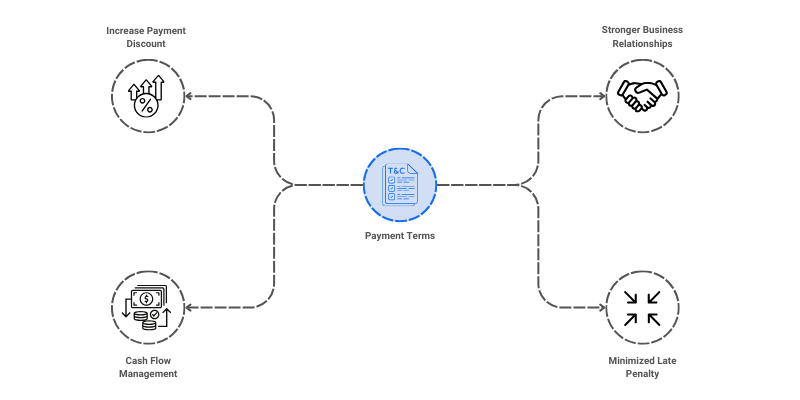
How can I get Benefit ?
- Standardize Payment Conditions : Establish and manage standard payment terms for consistency in financial transactions.
- Facilitate Accurate Invoicing and Payments: Automate the calculation of due dates, discounts, penalties, and cash flow projections.
Properties
| Property | Description |
|---|---|
| Term Name | Here, you can enter the name of the payment term |
| No Of Days | You can enter no of days |
| Status | You can set the status here |
Create a Payment Term
- Go to the Payment Term list, click on
Add New - Enter Payemnt Term Name
- Enter No of Days
- Set the Status
- Click on
Save

Edit a Payment Term
- Go to the Payment Term list
- Locate the Payment Term, Click on the Pencil icon to open whose details you want to Edit
- Make the necessary changes
- Click on
Save
Delete a Payment Term
- Go to the Payemnt Term list
- Locate the Payment, Click on the Delete icon to open whose details you want to Delete
- Click on
Delete
warning
A Payment Term that has been associated with any transaction cannot be deleted.